Internal
Use your own drivers, vehicles, teams and receiving capability inside one organisation.
Waste X connects the operational work that happens before, during and after a waste movement — jobs, loads, drivers, receiving decisions, Digital Waste Tracking, returns and audit.
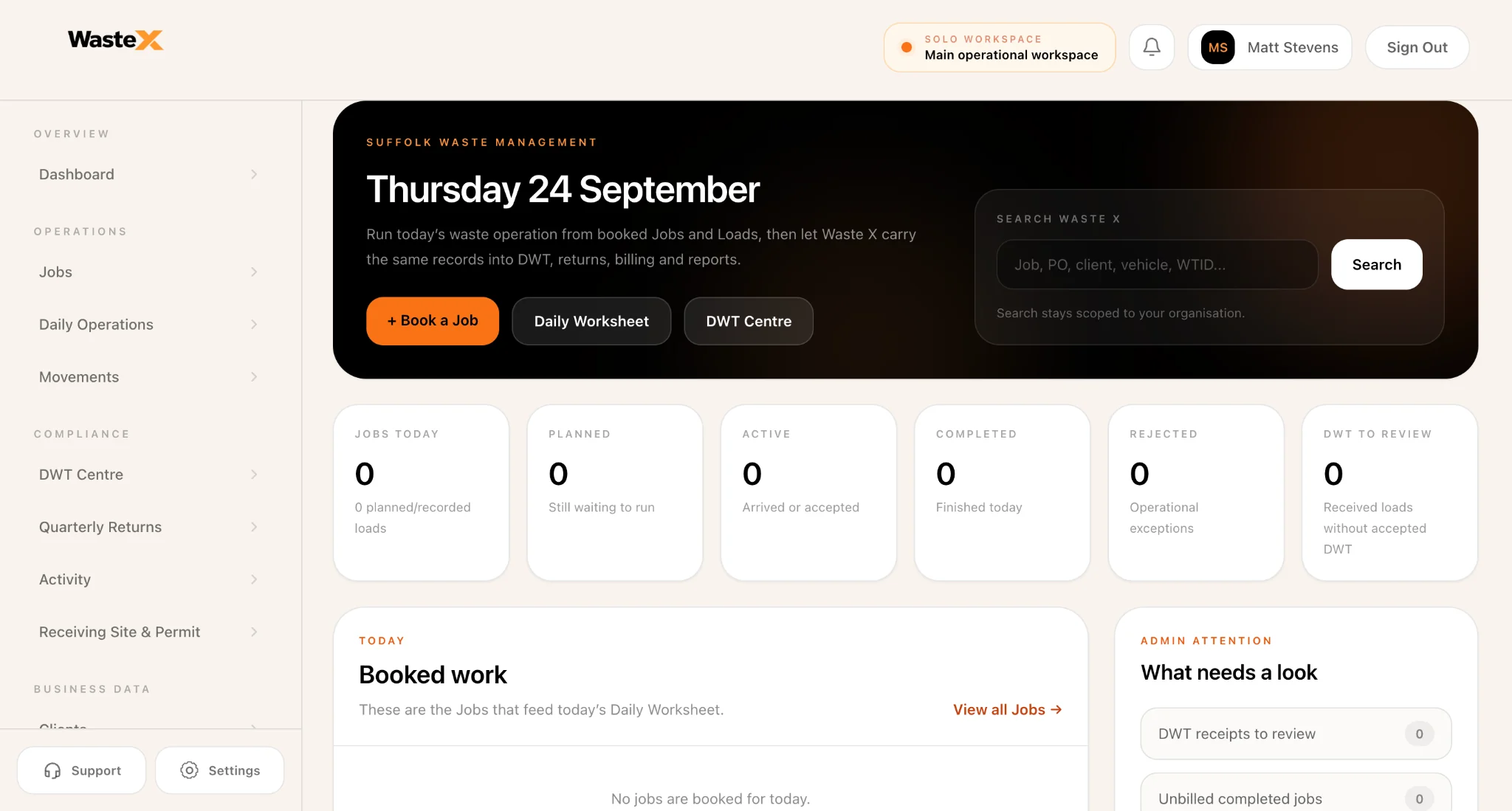
One operational record
The data carries forward instead of starting again.
The connected workflow
The point is not simply to digitise six separate tasks. The value is that the job, movement, field activity, receipt and reporting remain connected as the work progresses.
OPERATIONS
The office sees what is planned and live.
FIELD
Drivers work from the same authorised jobs.
COMPLIANCE
Reporting starts from recorded operational facts.
Create the job against known clients and sites so the information needed later in the movement does not have to be typed again.
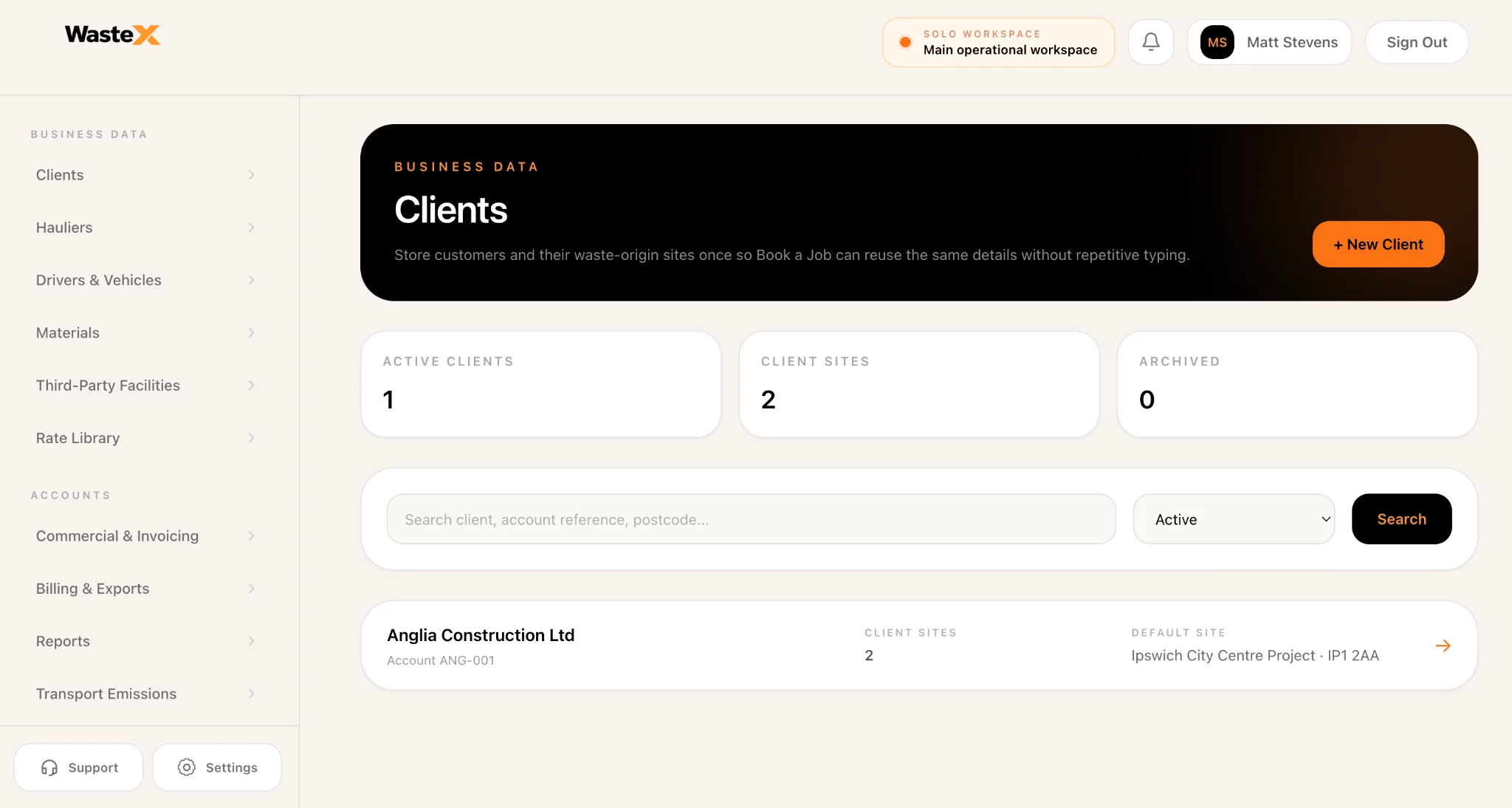
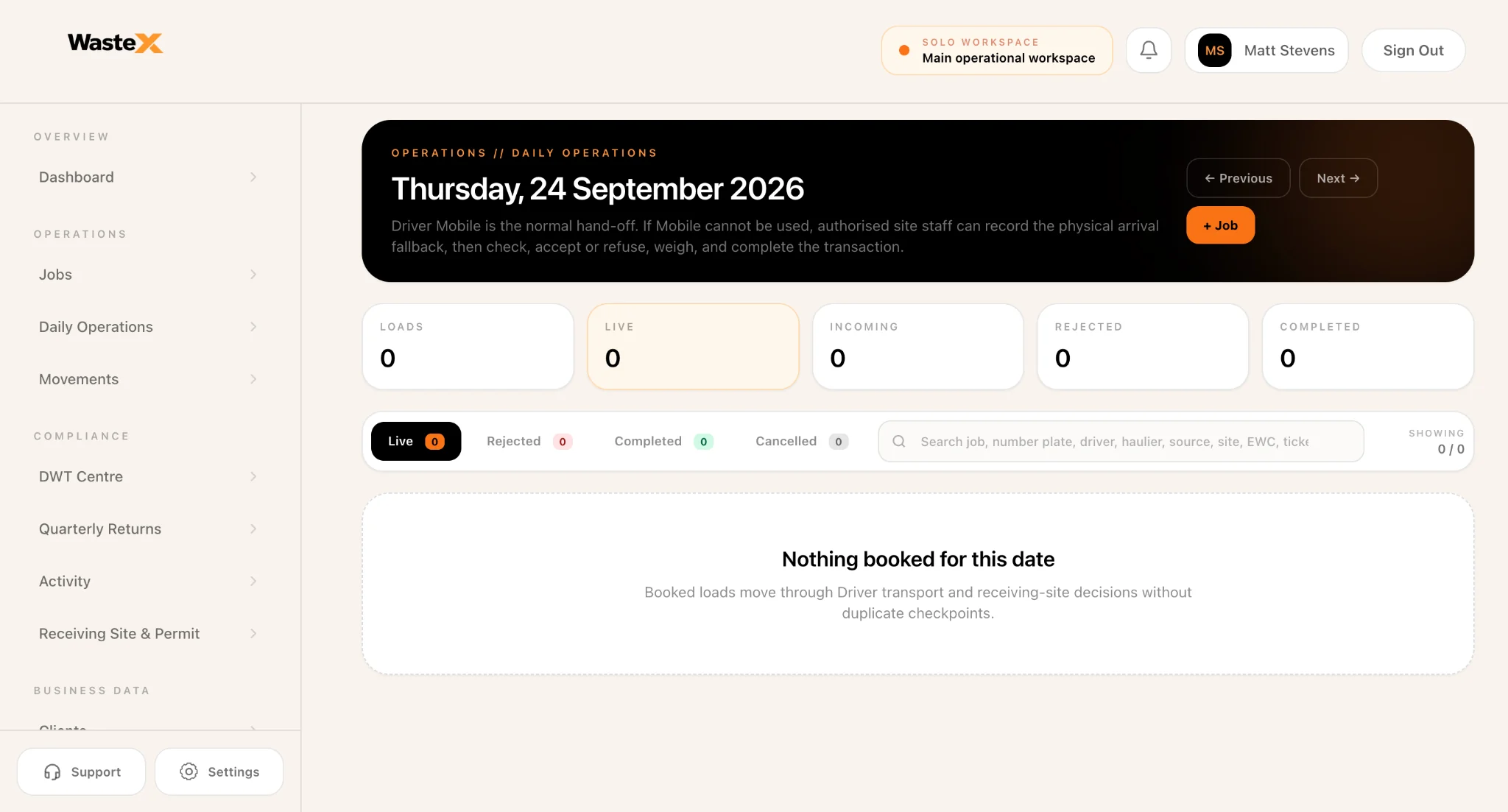
Daily Operations gives the office one view of planned, live, rejected, completed and cancelled work while loads move through the day.
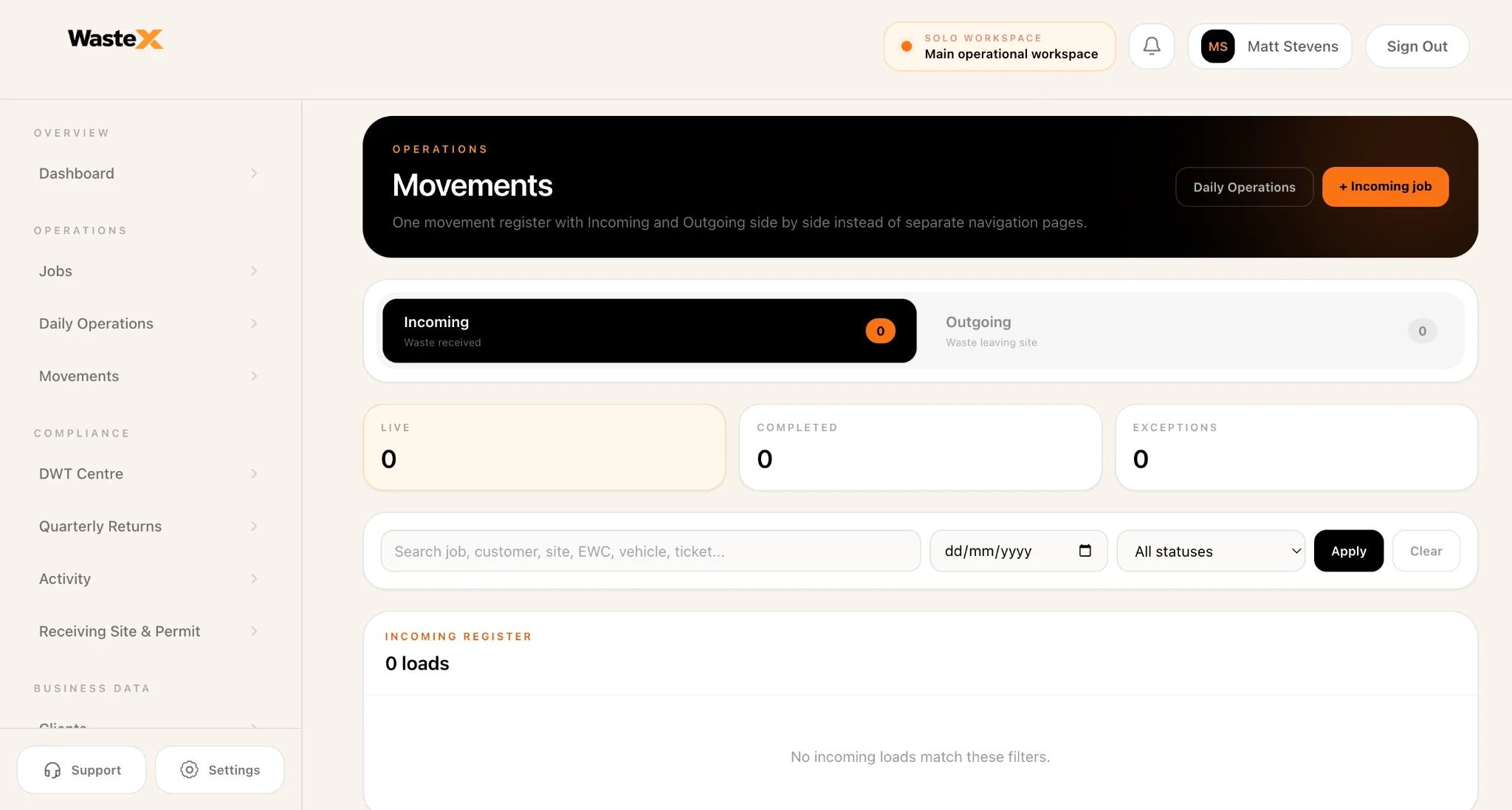
Waste X keeps the physical movement searchable by job, customer, site, EWC, vehicle and status instead of splitting the record across disconnected systems.
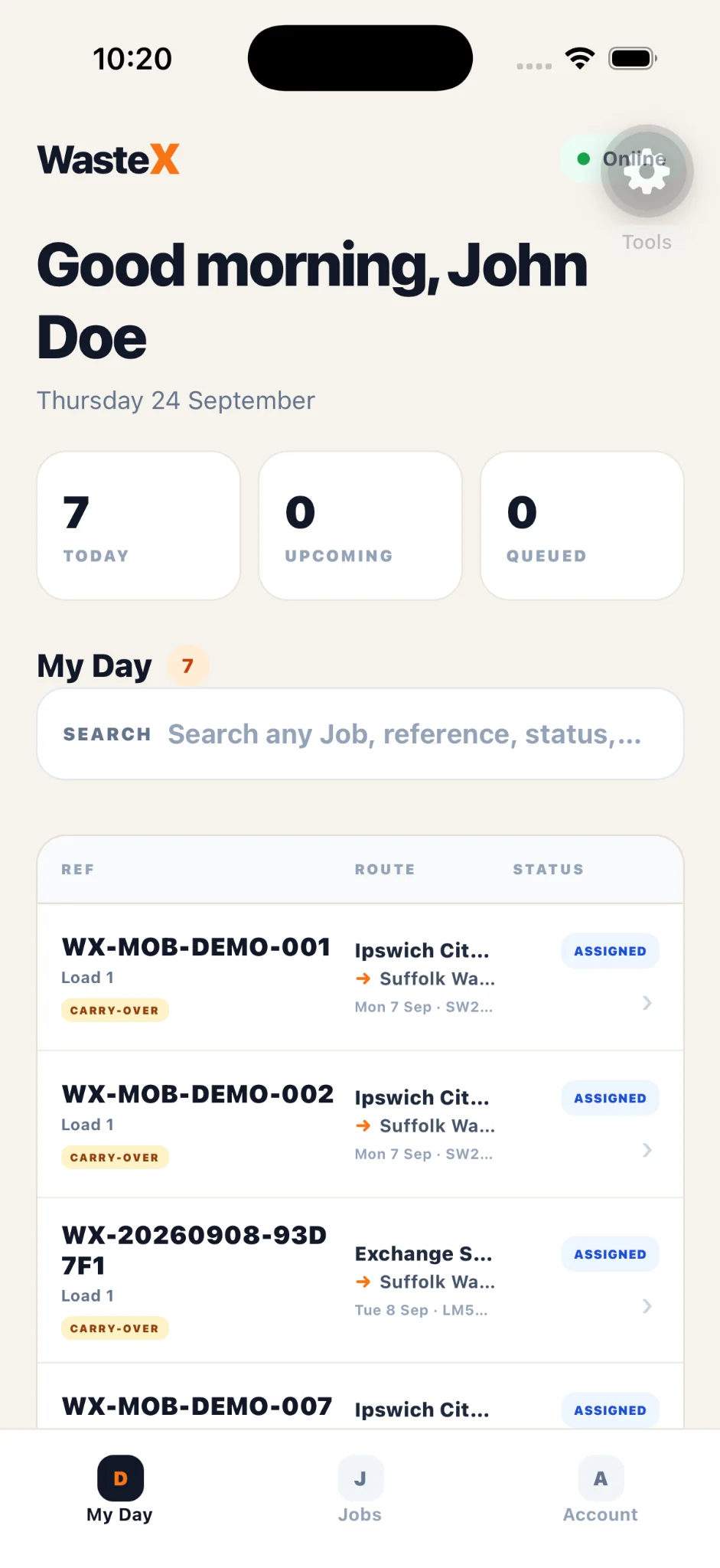
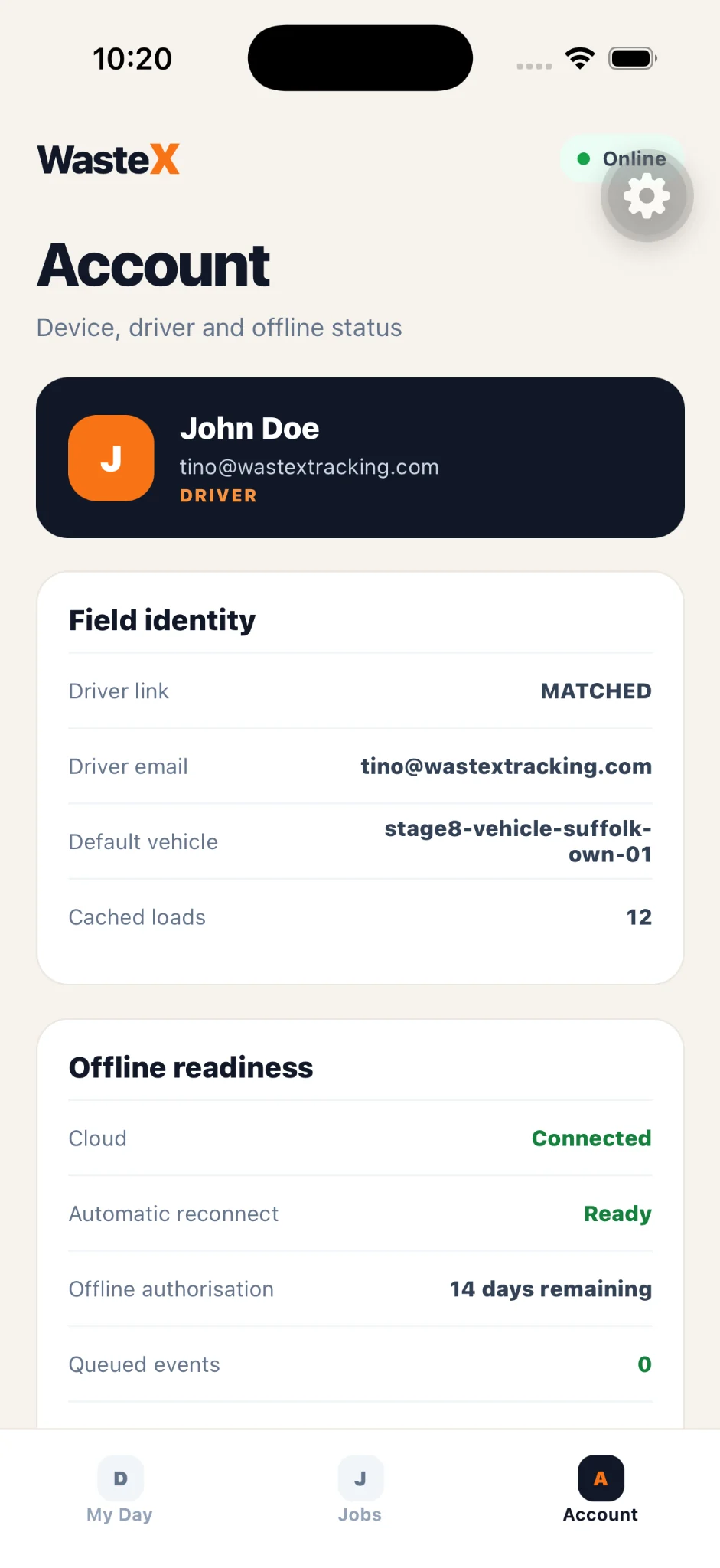
Authorised drivers can see assigned jobs, routes and status from Waste X Mobile, with offline readiness designed for the realities of field connectivity.
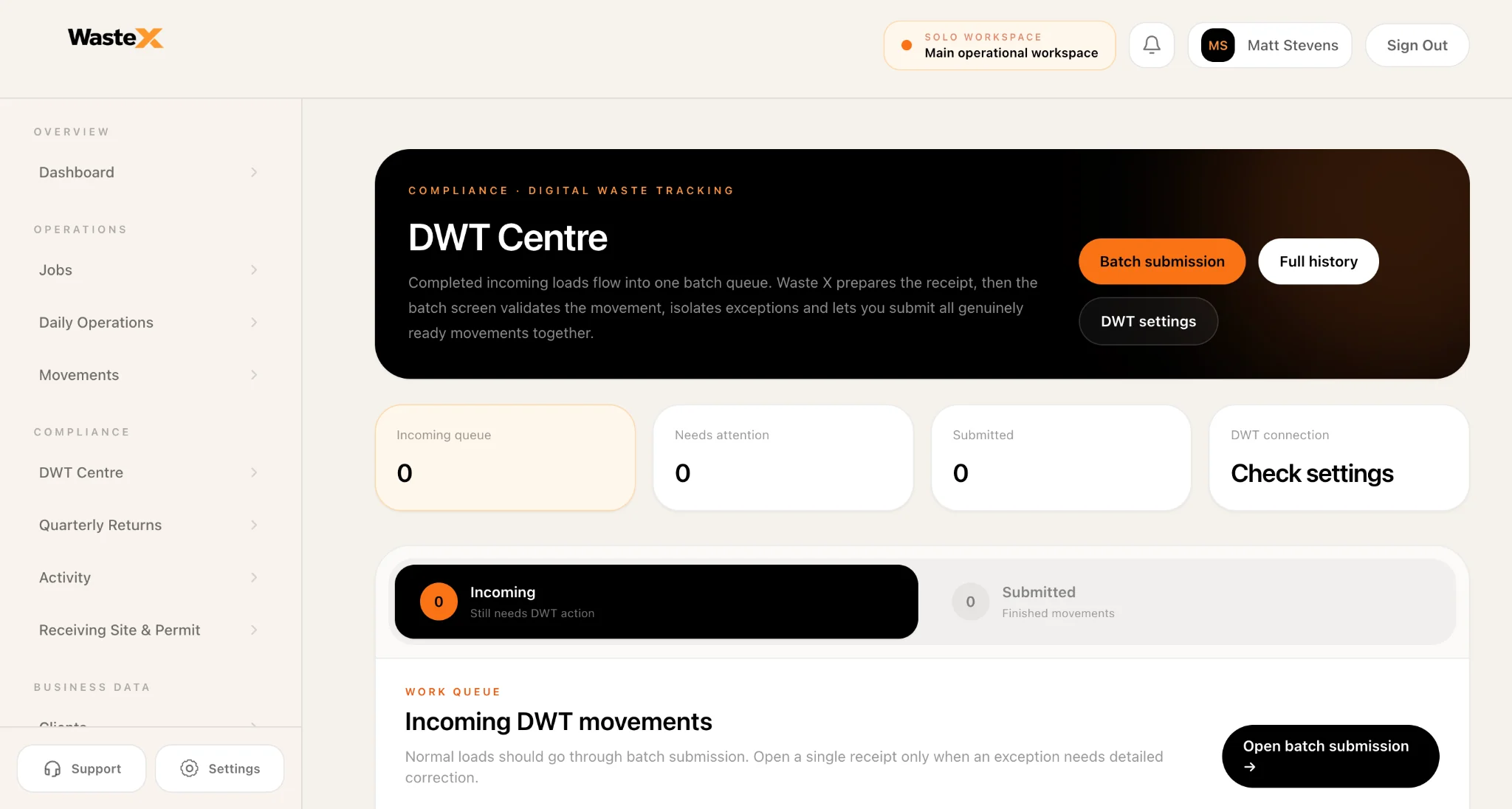
Completed incoming loads can flow into the DWT Centre, where records needing attention are separated from genuinely ready movements before submission.
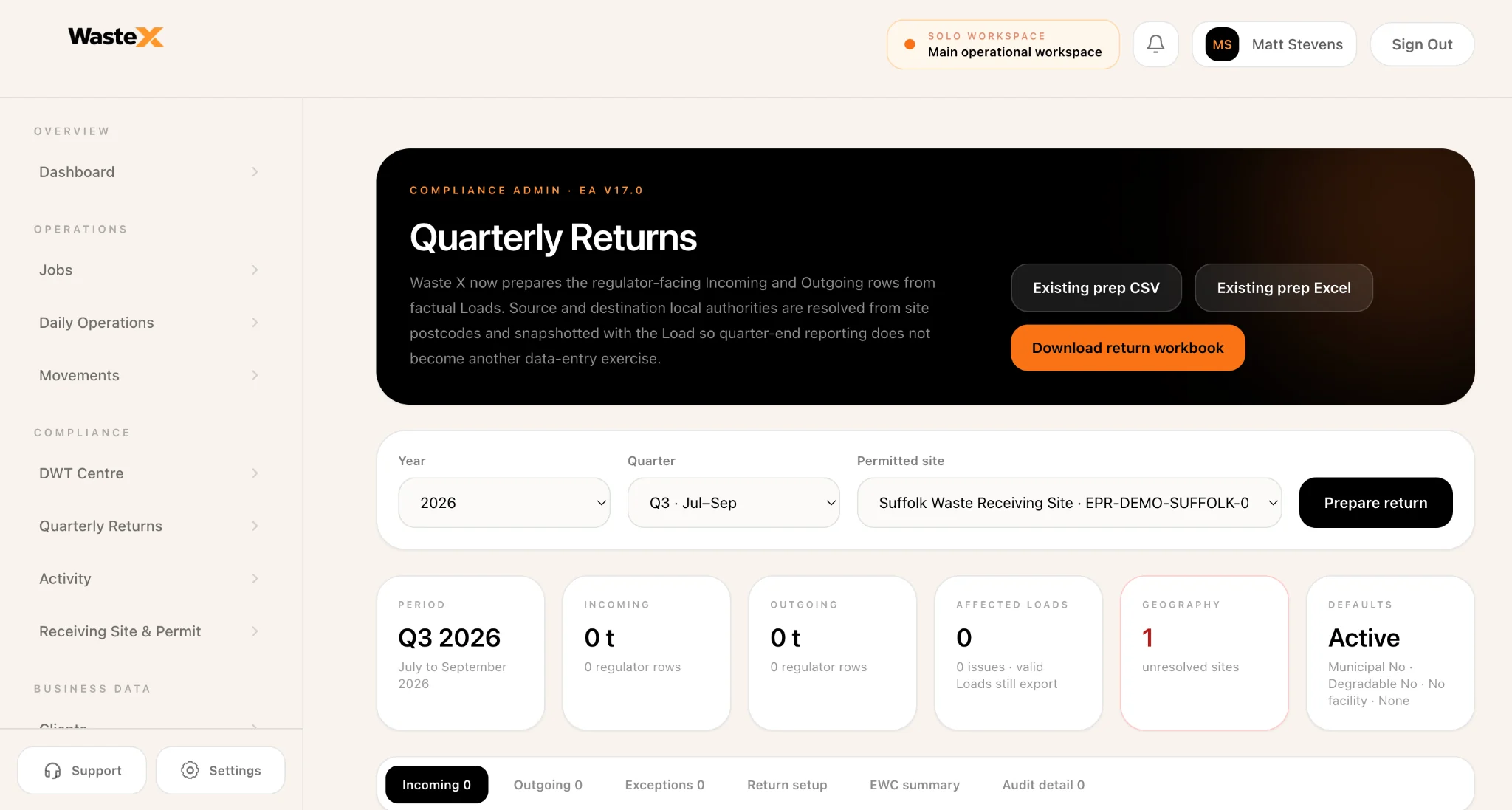
Quarterly Returns prepares regulator-facing incoming and outgoing rows from factual loads so reporting is not another separate data-entry exercise.
Field + office
Office teams need planning and oversight. Drivers need a focused field experience. Receiving teams need decisions and receipt detail. Waste X gives each role the view it needs without creating a separate record.
Book work, manage the day and keep live loads visible.
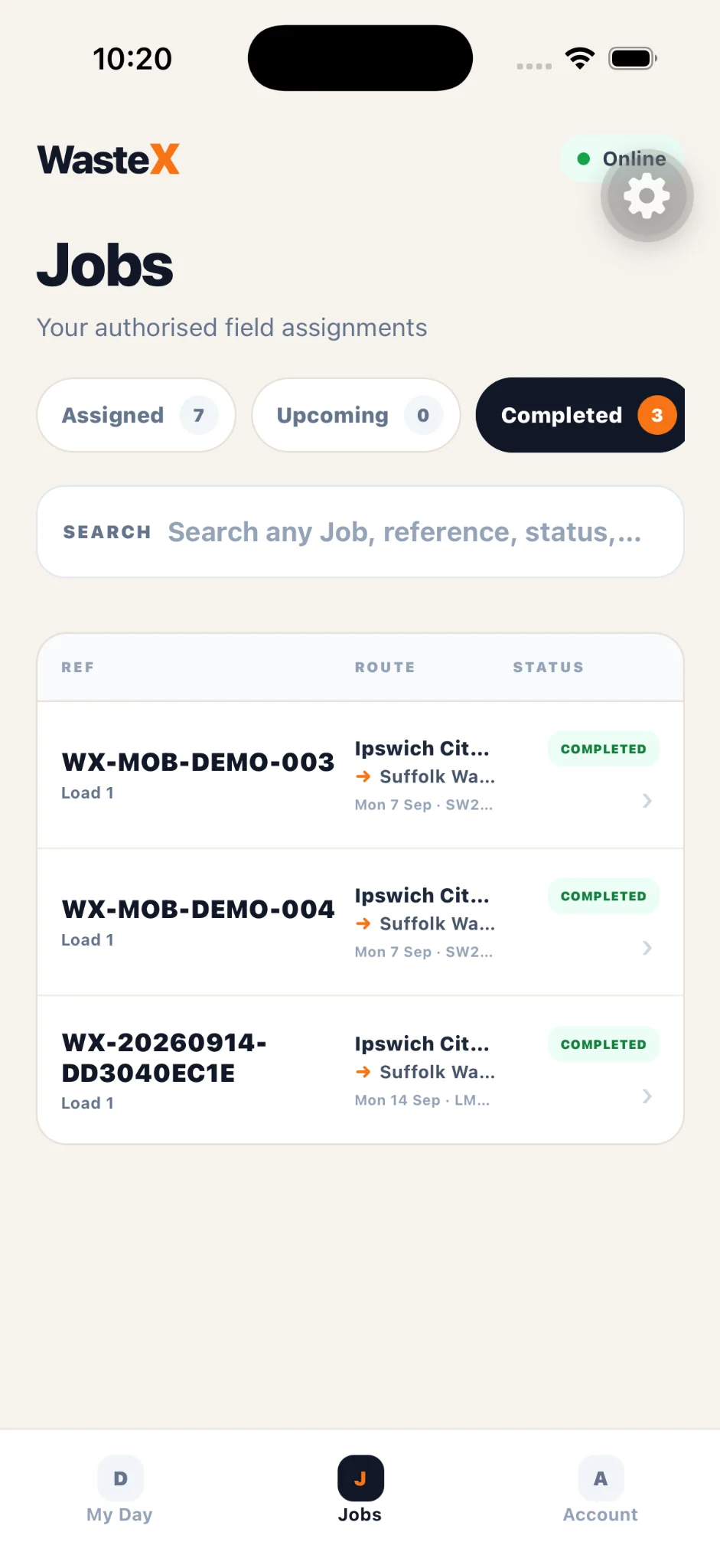
See authorised field assignments and progress the job from mobile.
Record what arrives and move genuine receipts into DWT.
Review returns and audit detail without reconstructing the operation.
Real operating models
Waste businesses do not fit neatly into one role. An organisation may generate waste, operate vehicles, manage jobs and receive material itself — while still using external carriers or facilities when the operation requires it.
Use your own drivers, vehicles, teams and receiving capability inside one organisation.
Work with third-party carriers, customers and facilities while retaining the operational record.
Combine internal and external routes without forcing every movement into the same operating model.
The outcome
The objective is not more software steps. It is fewer disconnected records: operational activity happens once, then the same history can support receiving, DWT, returns, review and audit.
See it in a demo →See Waste X in your operation